Guidance you can follow
Six lessons with clear steps. Read the introduction, get comfortable, and take each movement gently.

A little time, just for you
Gentle face-care lessons, a rhythm that fits your day, and a little space to unwind. Meet Lavenda.
Self-care & relaxation · For adults 18+
Your time, your rhythm
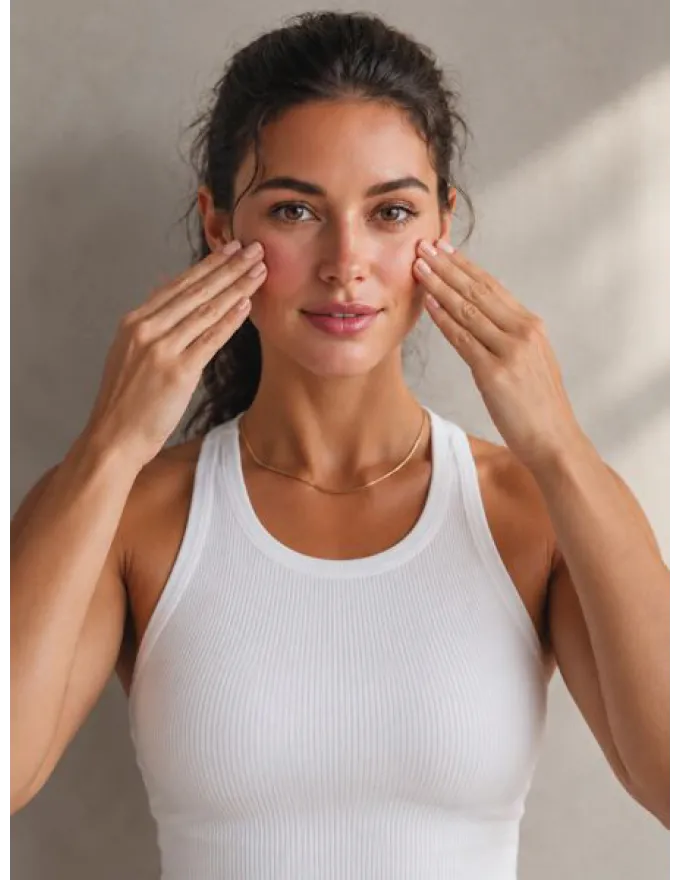

Choose a lesson. Settle in. Go at your own pace.
Lavenda
You choose what feels right today. There is no perfect routine to keep up with.
Six lessons with clear steps. Read the introduction, get comfortable, and take each movement gently.

Plan a lesson when it suits you. Optional reminders help make a little room in your day.

Keep and compare photos privately on your iPhone. No score. No judgement. Just your own record.
An easy place to begin
Choose a quiet space and a lesson you feel like trying.
Follow the guidance, use light touch, and pause whenever you need.
See the time you have given yourself. Your routine follows your life.
Your diary belongs to you
Diary photos stay in the app on your iPhone. Lavenda does not upload, analyse or score them. You decide what to keep, delete or export.
Read our privacy policyLavenda Plus
Plus unlocks guided practice. Lesson introductions, the calendar, your photo diary and data controls are available without a subscription.
Prices, billing periods and any trial offer are shown in the app before purchase. Subscriptions renew automatically unless cancelled.
No. Lavenda is for self-care and relaxation. It does not diagnose, treat or promise changes to your appearance.
You choose your lessons and when to practise. Reminders are optional, and you can pause a lesson at any time.
They stay in the app’s private storage on your iPhone, excluded from device backups. They leave only if you choose to export and share them.
Open your iPhone Settings, tap your name, then Subscriptions. Deleting the app or its data does not cancel a subscription.